
Business expense management software integrated into your HRIS
Centralize the entry, tracking, and approval of expense reports in mpleo. The goal: save time at every stage of processing your business expenses.
Business expense management software designed to support your HR priorities

Time savings
Automatisez la gestion de la formation, de l’identification des besoins jusqu’au suivi post-formation.

Visibility
Encourage employee engagement in their professional training journey with simplified access to sessions and personalized pathways.

Reliability
Pilotez en toute sécurité vos obligations réglementaires liées à la formation professionnelle continue et le renouvellement des habilitations.
Manage your business expenses easily with mpleo
Discover the 3 key features of the mpleo Expense Reports module.
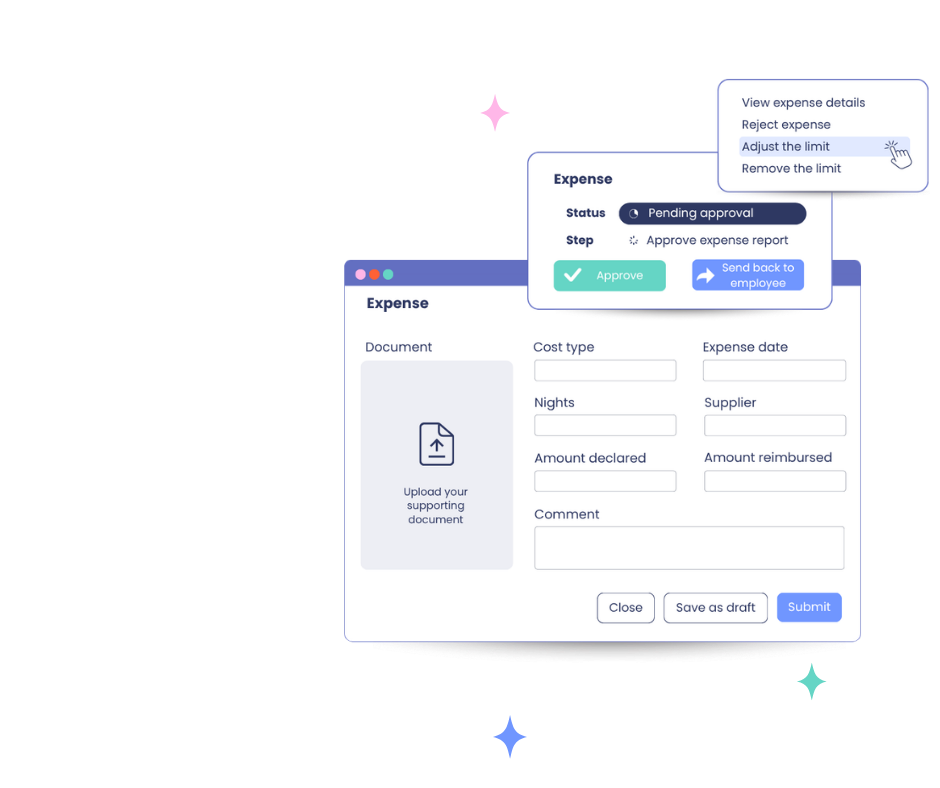
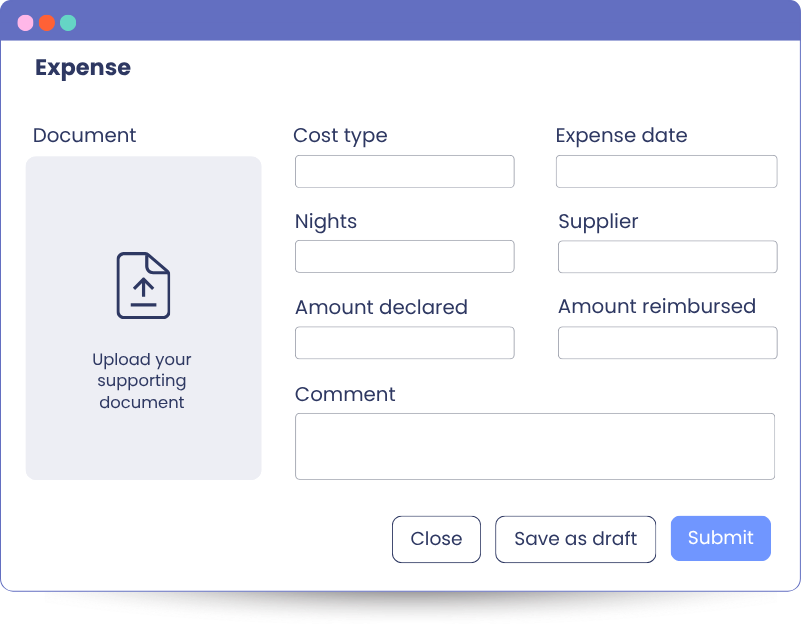
Automatic receipt reading
The key information contained in receipts and supporting documents (amount, date, VAT, expense type, and more) is detected automatically.
For your employees, this means less manual entry and a lower risk of errors.
For HR teams, it means more reliable data from the outset.
Request approval and tracking
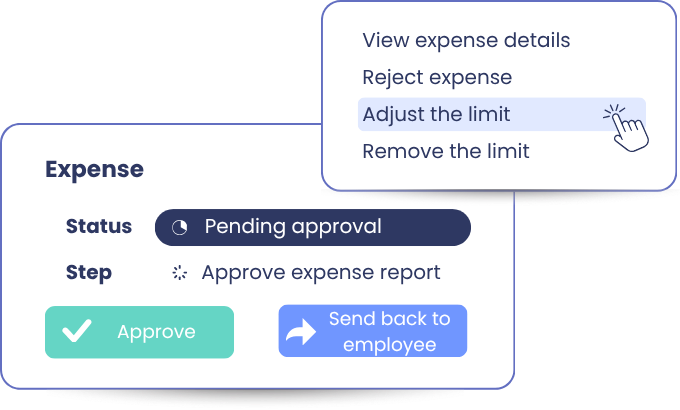
Streamline approval workflows between employees, managers, and HR teams.
Through their dashboard, managers have a clear view of the expense reports to process, with the information they need to review, approve, or reject expenses.
HR teams have access to a consolidated view of requests, helping them better manage expense report follow-up.
Reimbursement policy management
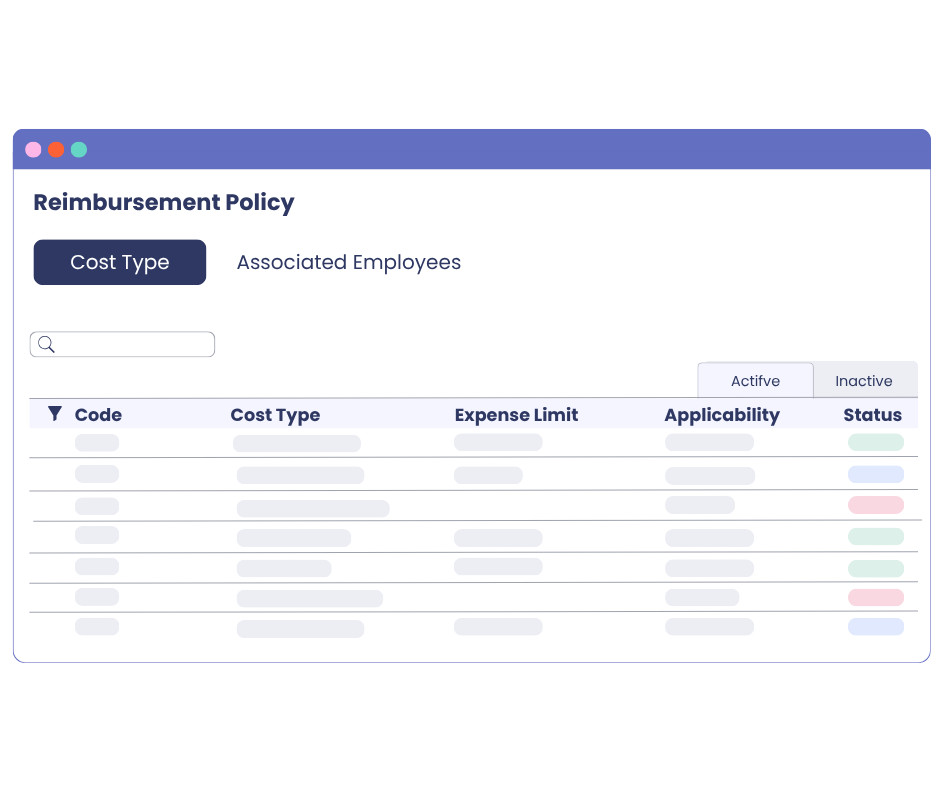
Configure your reimbursement policies based on your organization. With mpleo, you can:
- define rules tailored to different employee groups,
- manage limits in line with your internal policies,
- control authorized expense types, and more.
This makes it easier to apply your rules while keeping the process clear for users.

Additional features for complete business expense management
Explore all the features of our professional expense management software that simplify daily tasks for employees, managers, and the HR department.
From their smartphone, your employees can submit expenses directly in mpleo, add supporting documents, and track their requests, even when on the move.
Define reimbursement limits according to your internal rules: per expense, rolling period, or calendar period. You maintain control over authorized expenses and make checks easier.
Simplify the declaration of business travel with automatic mileage expense calculation. mpleo supports travel by car or bicycle and helps make declared amounts more reliable.
When an expense needs to be corrected, it can be sent back to the employee without blocking the entire expense report. Compliant expenses can move forward, while items requiring completion are handled separately.
Employees can prepare their expenses gradually and save them as drafts. They can return to their request later and retrieve the information already entered.
Centralize and retain the supporting documents linked to expense reports in a secure framework. This makes traceability, control, and document retrieval easier whenever needed.
Structure the data required by your accounting teams: accounting codes, VAT, companies, or expense types. Exports make it easier to use business expense data in your accounting processes.
Adapt the module to your organization: multiple entities, specific rules, different employee populations, or distinct reimbursement policies.
Business expense management software: save time, stay in control
With mpleo, bring your business expense management together with your other HR processes to avoid duplicate entry, parallel workflows, and scattered information.
FAQ – Business Expense Management Software
Business expense management software centralizes expenses incurred by employees as part of their work.
It allows organizations to manage expense report entry, the addition of supporting documents, approvals, checks, and reimbursement tracking.
A business expense management solution helps save time day to day.
It reduces data entry errors, centralizes supporting documents, and makes it easier to track requests. It also helps HR teams and managers apply internal rules more consistently.
Integrating business expense management into an HRIS allows you to use HR data that is already available: employees, managers, entities, workflows, projects, or HR history.
This helps you avoid duplicate entry, parallel workflows, and scattered information.
mpleo centralizes the key stages of the process: expense entry, supporting document upload, manager approval, HR tracking, limit checks, and archiving.
Employees submit their expenses more easily. Managers approve them more efficiently. HR teams have a consolidated view.
Yes. The module supports automatic reading of supporting documents.
Useful information is retrieved more easily, reducing manual entry. Employees save time and the risk of errors is reduced.
Yes. The mpleo Expense Reports module offers a smooth and intuitive smartphone version.
Employees can submit expenses, add supporting documents, and track their requests, even while travelling.
Yes. mpleo allows you to define reimbursement policies by employee group.
You can adapt rules according to your populations, entities, expense types, or internal policies.
Yes. The mpleo Expense Reports module allows you to configure limits according to your internal rules.
They can be defined per expense, by rolling period, or by calendar period.
Yes. The mpleo expense report management tool can automatically calculate mileage expenses for travel by car or bicycle.
This simplifies submission for employees and makes it easier to check the amounts.
Yes. Managers have a dedicated space where they can view, review, and approve expense reports.
They have access to the relevant information: expenses, supporting documents, amounts, statuses, and comments.